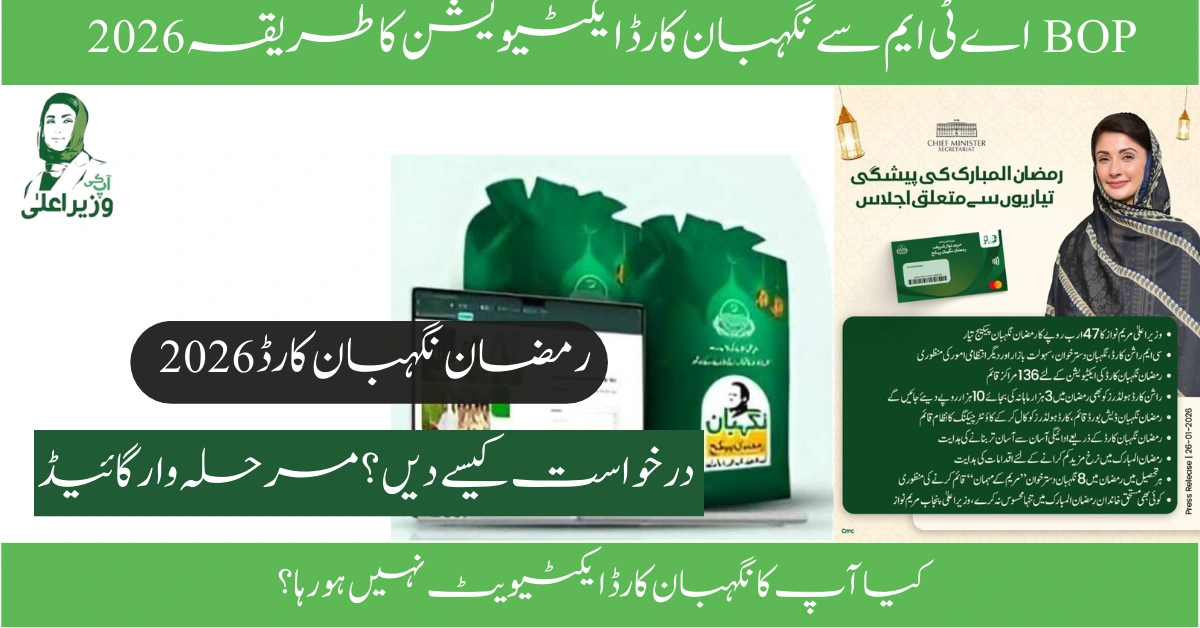
Have you received your Nigehban Card but don’t know how to unlock the funds? You are not alone. Thousands of beneficiaries across Punjab are holding their cards, unsure of the next step. In 2026, the Nigehban Card activation process BOP ATM 2026 is the key to accessing your Rs. 10,500 relief grant immediately.
Launched under the visionary Maryam Nawaz Loan Scheme 2026 and the “Ramzan Nigehban Package,” this card is a lifeline for struggling families. However, without activation, it’s just a piece of plastic. The good news? You don’t need to stand in long lines at government offices. You can activate it yourself at any Bank of Punjab (BOP) ATM within minutes.
In this comprehensive guide, we will walk you through the exact activation steps, solve common “Card Inactive” errors, and show you how to withdraw your cash safely. Let’s get your money in your hands today.
Why Is Activation Mandatory?
Before we dive into the steps, understand this: For security reasons, all Nigehban and Himmat Cards are shipped in a “Deactivated” state. This prevents theft during delivery. You must verify your identity (Biometric or OTP) to link the card to your NADRA record and unlock the funds.
Benefits of Quick Activation:
- Instant Cash Access: Withdraw Rs 10,500 immediately.
- Shopping: Use the card at registered grocery stores for subsidized flour and ghee.
- Future Installments: An active card ensures you automatically receive the next tranche of aid without re-verification.
Prerequisites: What You Need Before Going to the ATM
Don’t waste a trip to the bank. Ensure you have these three things with you:
- The Physical Nigehban Card: You cannot activate it without the card present.
- Your Original CNIC: You will need to enter your 13-digit ID card number.
- Registered Mobile Number: The phone with the SIM card registered against your CNIC. You may receive a One-Time Password (OTP).
- Date of Birth: Know your exact date of birth as per CNIC (Day-Month-Year).
Pro Tip: Visit the ATM during “off-peak hours” (10 AM – 12 PM) to avoid server timeouts or long queues.
Nigehban Card Activation Process BOP ATM 2026: Step-by-Step
Follow these exact steps to activate your card. This process applies to the Nigehban Card, Himmat Card, and the Punjab Khidmat Card.
Step 1: Visit a Biometric-Enabled BOP ATM
Go to your nearest Bank of Punjab (BOP) ATM.
- Note: Look for an ATM with a fingerprint scanner (green light). Non-biometric ATMs might not support activation.
Step 2: Insert Your Card
Insert your Nigehban Card into the card slot.
- Wait: The machine will take a few seconds to read the chip.
- Language Selection: A screen will appear asking for your language. Select Urdu (recommended) or English.
Step 3: Biometric Verification
This is the most critical step.
- The screen will prompt: “Please place your thumb on the biometric sensor.”
- Place your Right Thumb firmly on the green scanner light.
- Success: If verified, the screen will say “Identity Verified.”
- Failure: If it fails, try cleaning your thumb or use the “OTP Verification” option if available.
Step 4: OTP Verification (If Biometric Fails)
If your thumbprint is faded (common for laborers or elderly), the system may ask for an OTP.
- Select “OTP Verification.”
- A 4-6 digit code will be sent to your registered mobile number via SMS.
- Enter this code on the ATM keypad carefully.
Step 5: Setup Your Secret PIN
Once verified, you must create a 4-digit PIN (Personal Identification Number).
- The screen will ask: “Please enter your new PIN.”
- Type any 4 digits (e.g., 1234, 7860). Memorize this!
- The screen will ask: “Please re-enter your new PIN.”
- Type the same 4 digits again.
Step 6: Activation Confirmation
After setting the PIN, the screen will display: “Congratulations! Your Nigehban Card has been successfully activated.” A printed slip will also be ejected. Keep this for your records.
Alternative Activation Methods (Non-ATM)
If you live in a village far from a BOP ATM, don’t worry. You have two other options.
Method 1: Call the BOP Helpline
You can activate your card by calling the official Bank of Punjab helpline.
- Dial 08000-2345 or 111-267-200.
- Select language (Press 1 for Urdu).
- Choose “Card Activation” (usually Option 3 or 4).
- A representative will speak to you. They will ask for your:
- CNIC Number.
- Mother’s Name.
- Place of Birth.
- Once verified, they will activate the card and ask you to set a PIN via the automated system.
Method 2: Visit a BVS Agent (Konnect/Omni)
Visit any registered disbursement center or BVS (Biometric Verification System) agent.
- Hand over your card and CNIC to the agent.
- They will use their tablet/machine to scan your thumb.
- Once the system beeps “Verified,” your card is active.
(Read our guide on [Benazir Income Support Programme Registration 2026] if you haven’t received your card yet.)
How to Withdraw Cash After Activation
Now that your card is active, how do you get the cash?
- Insert Card: Put the card back into the ATM.
- Enter PIN: Type the 4-digit code you just created.
- Select “Cash Withdrawal”: Choose “Fast Cash” or “Cash Withdrawal.”
- Enter Amount: Type 10,500.
- Collect Cash: Take your money and the receipt.
- Count Immediately: Always count your cash before leaving the ATM cabin.
Warning: Do not accept help from strangers at the ATM. They might swap your card or steal your PIN. If you need help, ask the bank guard.
Troubleshooting: Common Errors and Solutions
Is your card giving an error? Use this troubleshooting table to fix it instantly.
| Error Message | Possible Reason | Solution |
|---|---|---|
| “Card Inactive” | You haven’t completed the activation process. | Follow the steps above or call the helpline. |
| “Biometric Verification Failed” | Thumbprint is dirty, faded, or wet. | Clean thumb with a cloth. Try a different finger if the system allows. If failing continuously, visit a NADRA office to update biometrics. |
| “Temporary Blocked” | Wrong PIN entered 3 times. | The card will unblock automatically after 24 hours. Do not try again immediately. |
| “Issuer Down” | The main server (HUKUMAT-E-PUNJAB) is busy. | Wait for 2-3 hours and try again. This is common on disbursement days (1st-5th of the month). |
| “Capture Card” | The ATM machine swallowed your card. | Immediately enter the bank branch and file a complaint. They will return your card or issue a new one. |
Top Safety Tips to Protect Your Grant
Scammers are actively targeting Nigehban Card holders in 2026. Follow these rules to stay safe:
- Rule #1: NEVER share your PIN or OTP with anyone over the phone. BISP or BOP staff will never call you to ask for your code.
- Rule #2: Do not hand your card to a shopkeeper for “checking balance.” Check it yourself at the ATM.
- Rule #3: If you lose your card, call 08000-2345 immediately to block it so no one else can withdraw your money.
Frequently Asked Questions (FAQ)
Q1: Can I activate my Nigehban Card online via an App? A: No. As of 2026, there is no option to activate the card via a website or app for security reasons. You must perform biometric verification at an ATM or Agent/Branch.
Q2: What is the Nigehban Card activation helpline number? A: The official helpline is 08000-2345 (toll-free). You can also call BOP at 042-111-267-200.
Q3: Is there a fee for card activation? A: No. Activation is 100% free. If any agent asks for a “commission” or “fee,” report them immediately to the Assistant Commissioner of your Tehsil.
Q4: Can I draw money from HBL or UBL ATMs? A: Yes! Once activated, the Nigehban Card works on all 1-Link ATMs (HBL, UBL, MCB, Allied Bank). However, a small transaction fee (approx Rs 25) might apply on non-BOP ATMs.
Q5: What if I forget my PIN? A: Don’t panic. Call the helpline 111-267-200. They will verify your identity (Mother’s name, DOB) and help you reset your PIN.
Conclusion
The Nigehban Card activation process BOP ATM 2026 is designed to be simple, fast, and secure. By following the steps outlined above—visiting a biometric ATM, scanning your thumb, and setting a PIN—you can access your relief funds in under 5 minutes.
Remember, this card is your right as a citizen of Pakistan. Do not let technical hurdles stop you from claiming your aid. If the ATM doesn’t work, call the helpline or visit a branch. The government has ensured multiple ways for you to succeed.
Act now! Go to your nearest ATM, activate your card, and bring ease to your family this Ramzan.