
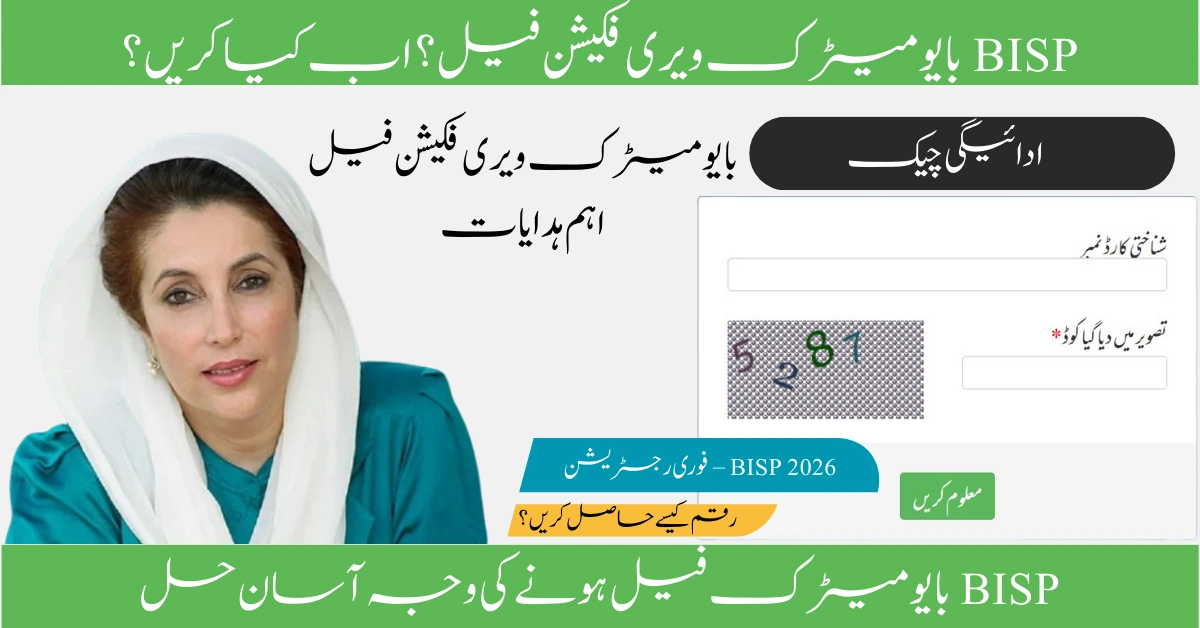
If your BISP Biometric Verification Failed What to Do?, do not panic—you are not alone, and this is not an eligibility issue in most cases. Thousands of beneficiaries of the Benazir Income Support Programme face biometric verification failures each month, but the government has introduced clear solutions to help you receive your Rs. 13,500 quarterly payment. This comprehensive guide explains exactly why your biometric verification failed, what steps to take immediately, and how to access your BISP 8171 payment through alternative methods if fingerprint matching continues to be problematic. The article covers all solutions approved by BISP for 2026, including the NON-Biometric Verification System (NON-BVS), manual verification at BISP Tehsil Offices, and family nominee options.
Understanding My BISP Biometric Verification Problem
BISP Biometric Verification Failed What to Do? means your fingerprints did not match the records stored in the NADRA (National Database and Registration Authority) system when you attempted to collect your BISP payment. This happens when you place your thumb on the scanner at a payment center—HBL, Bank Alfalah, or authorized BISP camp—and the machine rejects your thumbprint. The system displays a message like “Biometric Failed” or “Anghootha Nahi Mil Raha” in Urdu, meaning your fingerprint did not match.
It is critically important to understand that biometric failure does not automatically mean you are ineligible for BISP assistance. In the vast majority of cases, the problem is technical or physical, not related to your eligibility status. Your BISP registration remains valid, and your payment will not be lost. The government has specifically established alternate methods to ensure that eligible beneficiaries can receive their support even when fingerprint scanning fails.
Why My BISP Biometric Verification Failed
Several reasons can cause your biometric verification to fail when attempting to collect your BISP 8171 payment. Understanding the root cause helps you choose the correct solution.
Worn or Faded Fingerprints: Elderly women, manual laborers, agricultural workers, and those engaged in domestic work often experience worn fingerprints. Constant physical labor wears down the ridge patterns on fingertips, making them difficult for scanners to read. This is one of the most common reasons for failure among BISP beneficiaries.
Dry or Oily Hands: The condition of your hands at the time of scanning matters significantly. Excessively dry skin creates poor scanner contact. Conversely, oily or dirty hands also prevent proper fingerprint reading. This is often an environmental or seasonal issue, not a permanent barrier.
Expired CNIC: If your CNIC has expired, the biometric link between your identity and the NADRA database is automatically disabled. The payment center system will reject your fingerprint even if your prints are clear and your eligibility is valid.
Outdated NSER Survey Data: Your BISP eligibility is based on the National Socioeconomic Registry (NSER) survey. If your household survey data has not been updated within the last three years, the system may flag biometric verification as failed or pending.
Outdated or Mismatched NADRA Records: If your fingerprints were recorded in the NADRA system many years ago, they may not match your current prints due to aging, injuries, or natural changes. Additionally, data entry errors during initial enrollment can cause permanent mismatches.
System or Device Error: Sometimes the biometric scanning machine at the payment center malfunctions or has outdated software. A device error is not your fault and is temporary.
SIM Registration Issues: With the introduction of the Social Protection Wallet in 2026, your mobile SIM must be registered in your own name. If your SIM registration does not match your CNIC or BISP records, verification can fail.
Latest Official Update and Announcement Status on BISP 8171 Payment
The BISP 8171 Biometric Payment System has been significantly upgraded for 2026 to improve security and reduce fraud while ensuring that payments reach eligible beneficiaries smoothly. As of February 2026, the Benazir Income Support Programme continues to distribute quarterly cash assistance of Rs. 13,500 to eligible women under the Ehsaas Kafalat program.
The BISP has officially introduced the Social Protection Digital Wallet system, moving payments away from traditional cash camps toward direct digital delivery. Biometric verification remains mandatory for payment release; however, the government has simultaneously launched the Non-Biometric Verification System (NON-BVS) as an official alternative for beneficiaries whose fingerprints cannot be verified.
According to recent updates from BISP officials, beneficiaries now have the legal right to use family members or blood relatives as nominees to collect payments if biometric verification repeatedly fails. This nominee system has been formalized and is not a workaround—it is an approved government solution.
Who Is Eligible for My BISP 8171 Quarterly Payment
Not all residents of Pakistan can receive BISP assistance. Eligibility is determined by the National Socioeconomic Registry (NSER) survey and official government criteria.
You are eligible for BISP 8171 if you fall into one of these categories: you are a woman from a household identified in the NSER as living below the poverty line; you are a widow, divorced, or abandoned woman; you are an elderly person (65 years or older) from a low-income household; you are a person with severe disabilities from a low-income family; you belong to a low-income household with multiple dependents and limited income sources.
Registration through BISP is mandatory. Beneficiaries must have completed the Dynamic Registration process and received confirmation from BISP that they are eligible and registered in the system.
Documents You Must Carry When Attempting Biometric Verification
Before visiting a payment center to attempt your BISP 8171 biometric verification, ensure you carry the correct documents. Incomplete documentation will result in being turned away.
Original CNIC (Computerized National Identity Card) is absolutely mandatory. Photocopies are never accepted. Your CNIC must not be expired, as this automatically disables your biometric link in the NADRA system. Bring the original physical card.
Original B-Form or Birth Certificate may be requested if your CNIC is being renewed or if there are database discrepancies. Payment Notification or SMS from 8171 confirming that your payment has been released and is available for collection. This message typically reads: “Dear [Your Name], Your BISP payment of Rs. 13,500 has been released. Visit your nearest center to collect it.”
Bank Statement or Wallet Confirmation showing that funds have been credited if you are collecting through the Social Protection Wallet system rather than at a physical center.
Step-by-Step Solution: What to Do When My BISP Biometric Verification Failed
Follow these steps in order if your biometric verification has failed at a payment center.
Step 1: Try Another Authorized Payment Center First Do not assume the failure is permanent after a single attempt. Visit a different authorized BISP payment center in your area. Try HBL Konnect agents, Bank Alfalah agents, or official BISP Biometric Verification System (BVS) camps. Different machines and operators can produce different results. Ensure your hands are clean and slightly moist before attempting again. Do not apply oil, lotion, or henna immediately before scanning.
Step 2: Update Your Fingerprints at NADRA Visit your nearest NADRA office or NADRA Registration Center and request fingerprint re-enrollment. Inform them that you are a BISP beneficiary and need to update your biometric records. The NADRA staff will recapture your fingerprints and update your database. This update takes approximately 24 to 48 hours to synchronize with the BISP system. After updating at NADRA, wait at least two days before attempting biometric verification again at a payment center.
Step 3: Verify Your CNIC Status Check whether your CNIC has expired. Visit a NADRA office to renew your CNIC if it has reached its expiration date. Bring your original CNIC and a valid application form (Form B). CNIC renewal typically takes 7 to 15 days depending on your city. Until your new CNIC is ready, your biometric verification cannot succeed. This is a critical step often overlooked by beneficiaries.
Step 4: Confirm Your BISP Payment Status Online Before visiting a payment center, verify that your payment has actually been released. Visit 8171.bisp.gov.pk or send your CNIC to the SMS number 8171 to check your payment status. The system should display one of these statuses: Payment Released (ادا / Released), Payment Pending, or Payment on Hold. Only visit a payment center if your status shows “Payment Released.”
Step 5: Contact BISP Helpline for Case Review Call the official BISP Helpline at 0800-26477 (toll-free) during office hours (Monday to Friday, 9 AM to 5 PM). Inform them that your biometric verification has failed multiple times despite updating your NADRA records. Provide your CNIC number and briefly explain your situation. Ask whether your case requires escalation or special processing. The helpline staff can check whether there are database issues preventing verification.
Alternative Solutions: NON-Biometric Verification System for My BISP Payment
If your biometric verification fails three consecutive times, you become eligible for the NON-Biometric Verification System (NON-BVS), an official government alternative that allows you to receive your BISP payment without fingerprint scanning.
To access NON-BVS, visit your nearest BISP Tehsil Office (not a bank or payment camp). Bring your original CNIC and payment notification SMS. Inform the BISP office staff that your fingerprints are not matching the NADRA system, and request the NON-Biometric Verification Form. Complete the form and provide any additional documentation they request, such as recent photographs or community leader verification for identity confirmation. BISP office staff will conduct a manual interview to verify your identity through your CNIC and verbal confirmation. Once your identity is verified and approved, your status changes from “Biometric Required” to “NON-BVS Approved.” Approval typically takes 7 to 10 days. After approval, you will receive an SMS confirming that your payment can be withdrawn using a different method, such as a family nominee’s biometric or manual withdrawal.
Family Nominee Option: Authorized Payment Through a Relative
If your biometric verification continues to fail even after NADRA updates and NON-BVS application, you can officially nominate a blood relative to collect your BISP payment on your behalf using their biometric verification.
This solution is government-approved and legal. Eligible nominees include your adult daughter, adult son, mother, sister, or husband. The nominee must have a valid CNIC and be willing to have their fingerprints verified. Visit your nearest BISP Tehsil Office with both your original CNIC and your nominee’s original CNIC. Complete the Official Nominee Form 2026 and provide it to the BISP staff. Provide the nominee’s photograph if required. Once BISP approves the nomination (typically within 7 days), your future payments will be withdrawn using the nominee’s biometric verification instead of yours.
The nominated person will go to the payment center on your behalf, place their thumb on the scanner, and collect your cash or wallet transfer. The money legally belongs to you and should be given directly to you by the nominee.
Important: Never pay anyone—agent, bank staff, or unofficial person—to arrange a nominee or fix biometric issues. This service is completely free. Never share your CNIC details with unauthorized individuals.
Common Mistakes to Avoid When Attempting Biometric Verification
Many beneficiaries unknowingly make mistakes that cause repeated verification failures. Avoid these common errors:
Applying henna, oil, or lotion to your hands immediately before attempting biometric verification. Wait at least 24 hours after applying these substances. Visiting unauthorized or private agents who promise to “fix” your biometric problem in exchange for cash or personal information. Only visit official government payment centers and BISP offices. Attempting biometric verification at unofficial machines or unregistered centers. Use only HBL Konnect, Bank Alfalah, or official BISP-authorized BVS camps. Giving up after a single failed attempt without trying alternative solutions or visiting different centers. Failing to update your NSER survey data. Contact your Union Council if your survey data is older than three years and request an update. Ignoring expired CNIC issues. Always renew your CNIC before expiration if you are a BISP beneficiary.
Payment Timing: When Will My BISP 8171 Payment Be Released
BISP payments are released in quarterly installments throughout the year. Payment release typically happens according to the following schedule (though exact dates may vary slightly):
First Quarter (January to March): Payment released in February Second Quarter (April to June): Payment released in May Third Quarter (July to September): Payment released in August Fourth Quarter (October to December): Payment released in November
Once your payment is released by BISP, you have a window of approximately 90 days to collect it from a payment center. After this period, uncollected payments may be redistributed or your status may change. Do not delay in collecting your payment after receiving the SMS notification that it is ready.
District-Wise Payment Distribution and Centers
BISP payments are distributed through authorized centers in every district of Pakistan. The main payment distribution networks are HBL Konnect (branches and agent locations nationwide), Bank Alfalah (branches and payment centers), and official BISP Biometric Verification System camps held periodically in each district.
To find the nearest authorized payment center in your district, contact the BISP Helpline at 0800-26477 and ask for the location of the nearest HBL Konnect or Bank Alfalah center serving BISP beneficiaries. Alternatively, visit www.bisp.gov.pk and use their center locator tool (if available in your region).
Frequently Asked Questions
Last Updated
This article has been updated with the latest information about BISP 8171 biometric verification failure solutions for 2026. The government continues to introduce improvements to the payment system, and new information about payment schedules, eligible centers, and alternative verification methods is released regularly. We will update this article as soon as new official announcements are made. For the most current information, always check www.bisp.gov.pk or call 0800-26477.